
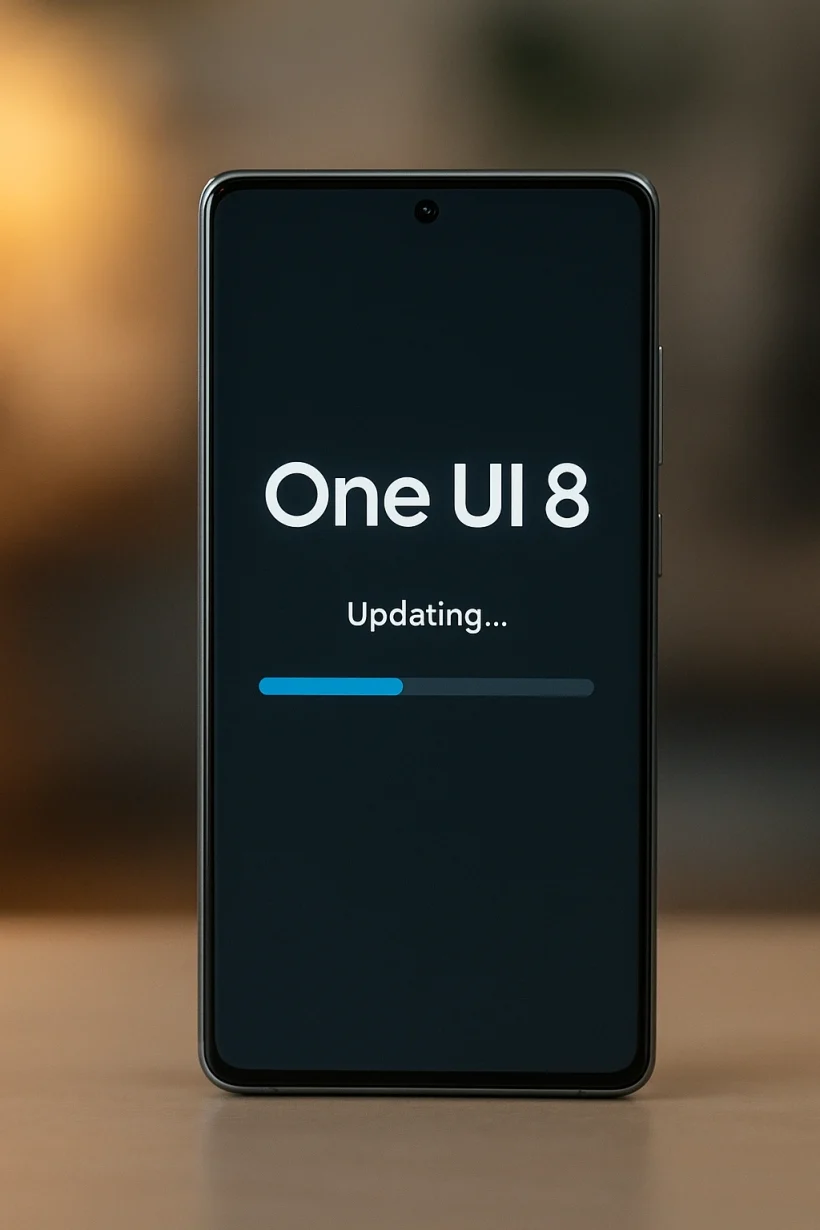
Samsung’s One UI is known for its user-friendly interface and unique features, and the latest iteration, One UI 8, is set to continue that tradition.
Built on the foundation of Android 16, this update brings a range of exciting improvements aimed at making your daily mobile experience more intuitive and personal.
For a comprehensive overview of the new features, including a look at the revised Quick Panel and enhanced privacy controls, check out the official announcement on the Samsung Newsroom website.
Key Features and Enhancements
One UI 8 introduces a variety of new capabilities designed to streamline your workflow and offer greater personalization. The new design language focuses on improved readability and a smoother visual experience.
You’ll notice subtle but impactful changes, from reorganized settings menus to more dynamic widget customization. For the full list of changes, you can view the official One UI 8.0 changelog.
The update also includes significant improvements to battery life and performance. Samsung has fine-tuned the software to work more efficiently with its hardware, resulting in a snappier feel and better power management.
You can learn more about the underlying changes on the Android Developers Blog.
More Than Just a New Look: AI & Smart Features
One UI 8 takes a major leap forward with its integration of AI-powered features. The new Gemini Live allows for natural, conversational interactions with AI to help you with real-time tasks.
For example, you can share your camera screen with AI to get instant advice or suggestions. The new AI Select feature also provides intelligent, contextual actions when you select text or an image on your screen.
Privacy and security have also been enhanced with new features for the Secure Folder. You can now completely hide and encrypt the folder for maximum protection.
The update also introduces a Personal Data Engine, which processes your data safely on-device before encrypting it. To learn more about how Samsung is building a more secure and accessible experience, you can read this interview on the Samsung Newsroom website.
When Can I Get the One UI 8 Update?
While the exact rollout schedule can vary by region and carrier, a leaked roadmap gives us a clear idea of what to expect. T
he rollout begins with the flagship Galaxy S25 series in September, followed by older flagships and foldables in early October. You can find a detailed timeline in this article from Android Police.
| Device Series | Eligible Models |
| Galaxy S Series | Galaxy S24, Galaxy S23, Galaxy S22, Galaxy S21 |
| Galaxy Z Series | Galaxy Z Fold6, Galaxy Z Flip6, Galaxy Z Fold5, Galaxy Z Flip5, Galaxy Z Fold4, Galaxy Z Flip4 |
| Galaxy A Series | Galaxy A55, Galaxy A35, Galaxy A25, Galaxy A15 |
| Galaxy Tab Series | Galaxy Tab S10, Galaxy Tab S9, Galaxy Tab S8 |
| Other Devices | Galaxy S21 FE, Galaxy S23 FE |
Please note that this list is not exhaustive and is subject to change. For the most up-to-date information on the rollout in your specific region, it’s always best to check the official Samsung Community Forums or your device’s settings. For specific update instructions and support, visit the Samsung Support page.
A Deeper Dive into the AI Revolution
The AI features in One UI 8 are more than just a passing trend; they’re a fundamental shift in how we interact with our devices. By leveraging on-device processing and powerful models, Samsung is creating a more proactive and personalized experience.
Features like AI Select not only make daily tasks easier but also learn your habits to anticipate your needs.
For those looking for tips on how to get the most out of your new smartphone, we’ve put together some great guides on how to protect your device and extend its lifespan.
Check out these care tips on try2care.com and also Going Viral on YouTube: 14 Secrets to Explosive Channel Growth for more information.
Conclusion: The Future is in Your Hands
One UI 8 is more than just a software update; it’s a clear statement about the future of mobile technology. Samsung has managed to blend powerful AI features with a beautifully refined user interface, all while keeping a strong focus on privacy and performance.
The new tools are designed to work seamlessly with your daily life, and the enhanced security features ensure that your personal data remains in your control. As the update rolls out, users will experience a new level of personalization and efficiency.
It’s an exciting time to be a Galaxy user. For more on how to stay ahead of the curve with technology and self-care, explore our latest blog posts on try2care.com.
The Road to a Better Experience
The One UI 8 update is a great example of Samsung’s commitment to providing a better user experience. By focusing on both aesthetics and performance, they’re ensuring that your device remains a powerful and personal tool.
To read a detailed review of all the new features and see them in action, check out this in-depth article from CNET.